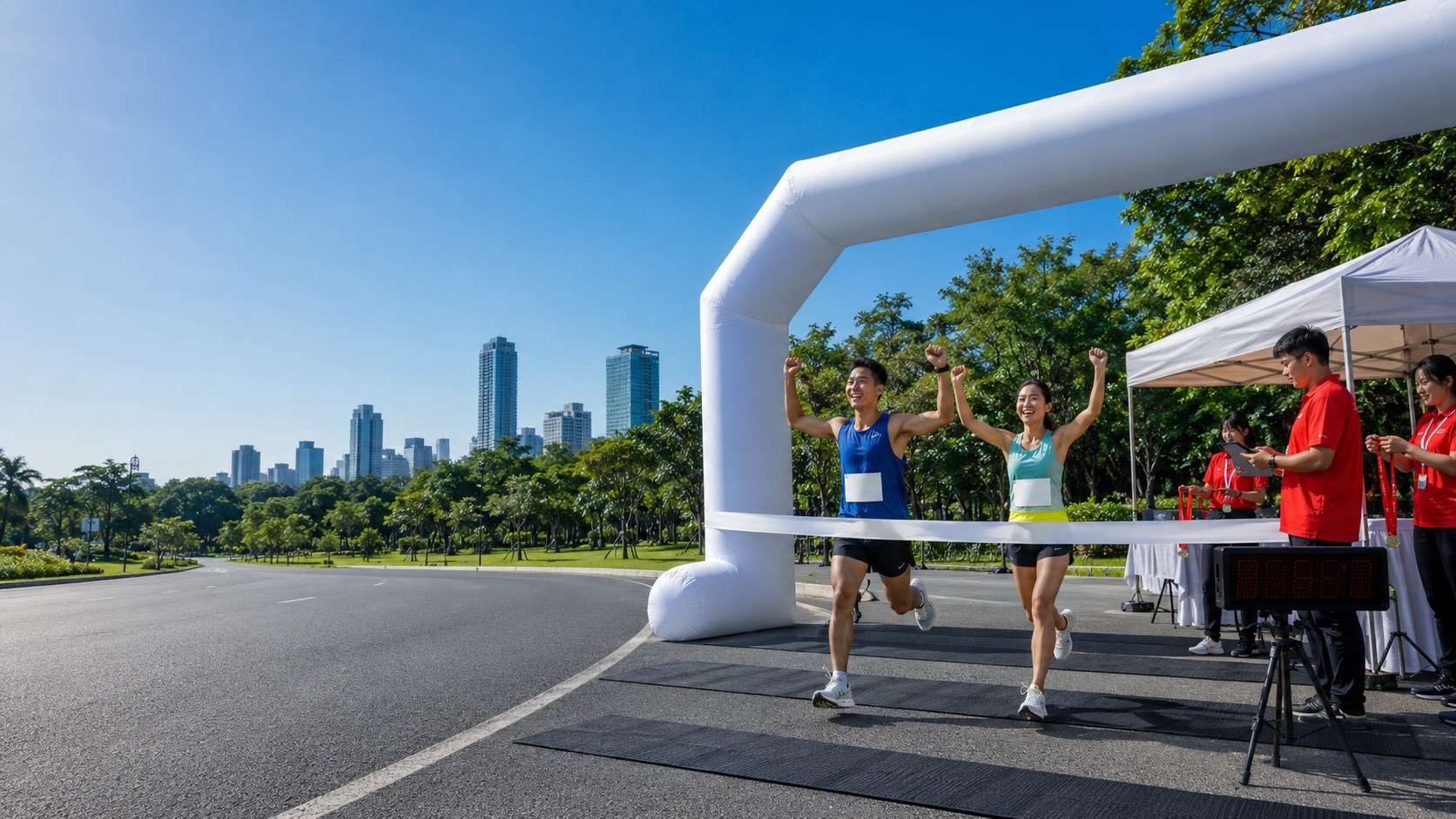
Shareable result card
Every runner’s result becomes a picture worth posting — with your event’s name on it
Right after the finish, almost every runner wants to post their time. What they have is a selfie with no time on it, or a screenshot of a results table with no event name.
So many of them edit a picture in another app, type the time themselves, spell the event name themselves — or never post at all. Yet those posts are word of mouth your event gets for free, reaching runners’ friends directly.
At events we time, every finisher’s results page already has post-ready pictures waiting. The time and placing come from the timing system, and the event name and logo are always in the picture. Runners just pick a style, add their own photo and save.
What this service does for you
- 1
A result picture is waiting on every finisher’s results page
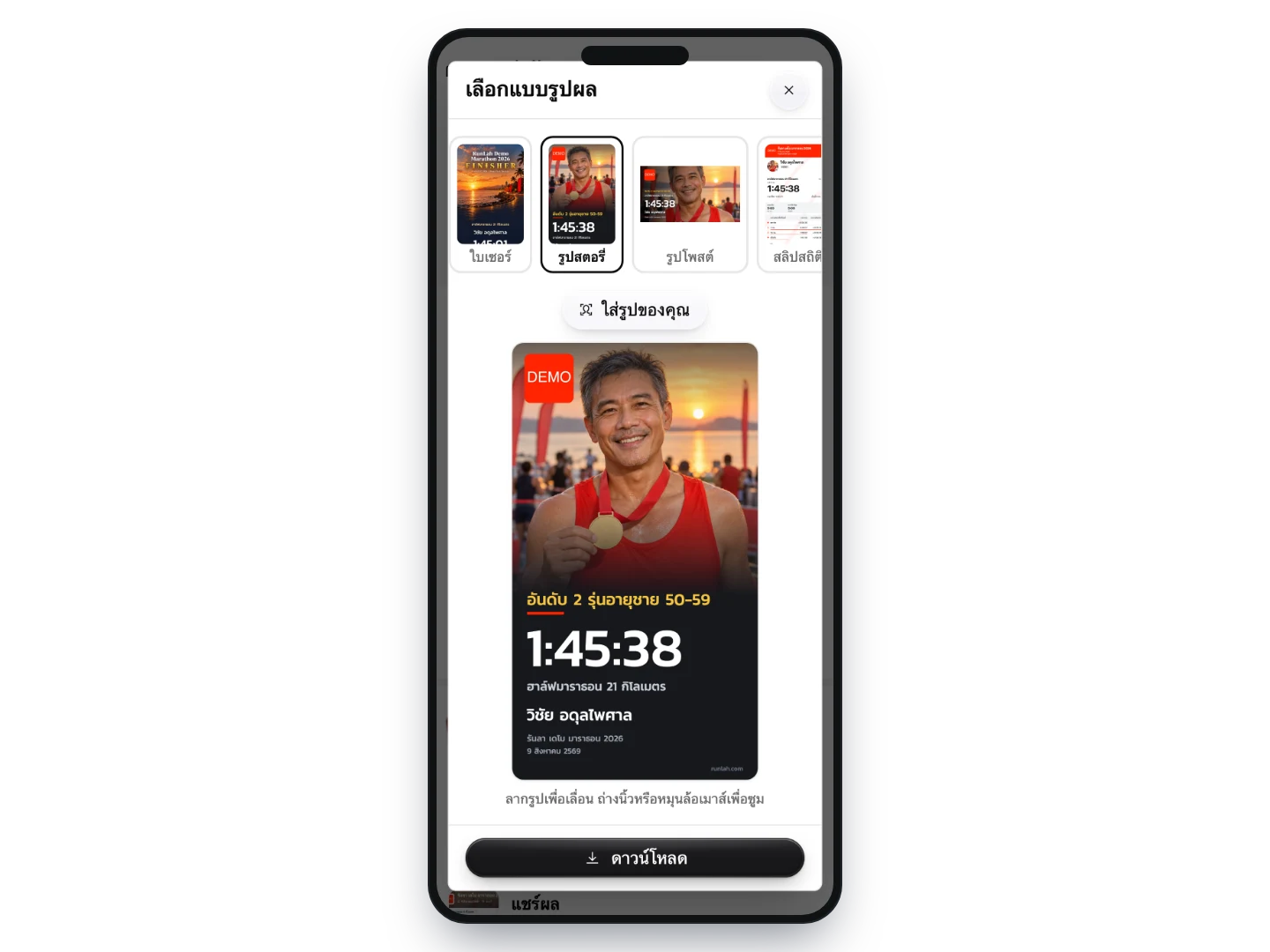
As soon as results are up, each runner’s results page offers several styles: a portrait story image for Stories, a landscape post image for feeds or LINE groups, and a stats slip — plus the certificate for events that have one. Every style is previewed for real before saving, with no login needed.
- 2
The runner’s own photo is the background
Runners with a profile photo get it as the background to start with, and can swap in a photo from their own phone — say, the one they just took with their medal — then drag or zoom to frame their face. What comes out is genuinely theirs, not a template everyone gets the same.
- 3
Prize winners get a picture that says so
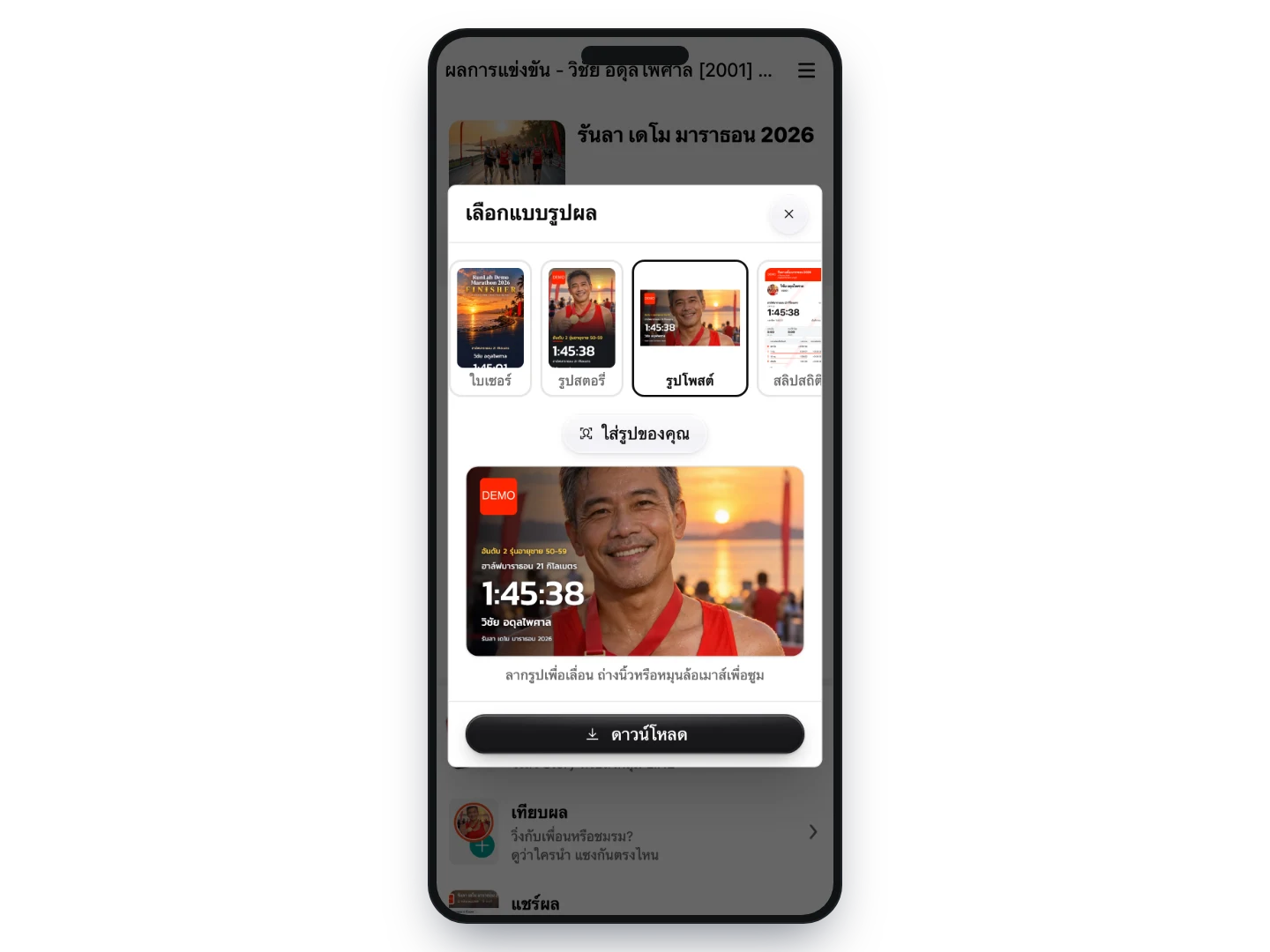
For runners who won a prize, the headline becomes their placing — for example “2nd, men 50-59” — in gold. Everyone else who finished gets FINISHER. So every finisher has something they are proud to post, and winners still stand out.
- 4
Save or send it with one button
On a phone the button opens the phone’s own share menu, straight into a social or chat app. On a computer it saves an image file. And runners can come back and make a new one from the same results page at any time.
How organizers use it
Runners’ posts become your event’s media
Every picture carries your event name, logo and the distance colour, so friends who see a post know at once which event it was. This kind of word of mouth reaches people your ads do not, and grows with the number of runners proud of their result.
The time in the picture is always right
Times and placings come straight from the timing system — nobody types them in — so posts go out without mistyped times or misspelt event names. If a result is corrected after the event, any picture made afterwards shows the latest result.
Runners get it while they still want to show off
Runners can make their picture before they have even left the venue, which is when most posting happens. No waiting for the photographer, no waiting for files from the organizer, no editing at home.
No cost per runner, no extra work for your team
Pictures are drawn on the runner’s own device, so however many runners make them, however many times, your event pays nothing extra — and nobody on your team has to make images or send files.
What you can set
- Styles runners can choose
- Story image, post image and stats slip come with every timed distance; the certificate is added when your event has one. Any style can be switched off or reordered, per distance.
- Your own event design
- A card designed around your event’s theme can be added as another style. The RunLah team places the data fields on your artwork and sends you a sample to check before it goes live.
- Colours and logo
- Uses your event logo and the colour set for each distance — no extra files needed.
Frequently asked questions
Do runners have to log in to make a picture?
No. Each runner’s results page is public — they open their own results and pick a style.
Where is the photo a runner picks from their phone stored?
Nowhere. It is only used to draw the picture on the runner’s own device. It is never uploaded, and nobody else sees it unless the runner posts it.
What do runners without a profile photo get?
The picture shows the distance’s medal instead, if the event has a medal image in the system — and runners can add their own photo at any time with the add-photo button.
Can runners who did not finish make one?
No. The result pictures only appear for runners with a time recorded at the final point. Runners who did not finish can still see whatever the system recorded on their results page as usual.
Does the system post to social media for runners?
No. It creates an image file, and the runner chooses where to post it or who to send it to. That is why every style is designed with the event name in it — your event only benefits if the picture is worth posting for the runner.
How is this different from the certificate and the slip?
All three sit in the same box on the results page. The certificate is your full-page event artwork and has to be prepared in advance. The slip focuses on times and pace at each point. The result card is built around the runner’s photo for posting, and comes with every event we time with nothing extra to prepare.
Does it work for team events?
Yes. The picture shows the team name instead of a person’s name, but there is no default photo because there is no way to know which member’s photo to use — members add a team photo from their own phone.
Can events timed by another provider use this?
Not yet. The picture is built from that bib’s result in RunLah’s system, so the event needs to use our timing service.
Related services
Result slips
Runners collect a printed slip of their own result at a service point past the finish, and everyone who finishes can download a slip as an image from their own result page to post themselves.
e-Certificate
Certificates are generated automatically after the race and downloaded by runners themselves — nothing to print, nothing to distribute — and runners tend to share them for you.