| >> คลิกที่นี่ << |
|---|
| แบบประเมินฉบับนี้ จัดทำขึ้นเพื่อใช้เป็นข้อมูลในการปรับปรุง และพัฒนาการจัดโครงการในโอกาสต่อไป ให้มีประสิทธิภาพยิ่งขึ้น ขอให้ผู้ทำแบบประเมินเลือกตัวเลือกที่ตรงกับความเป็นจริง |
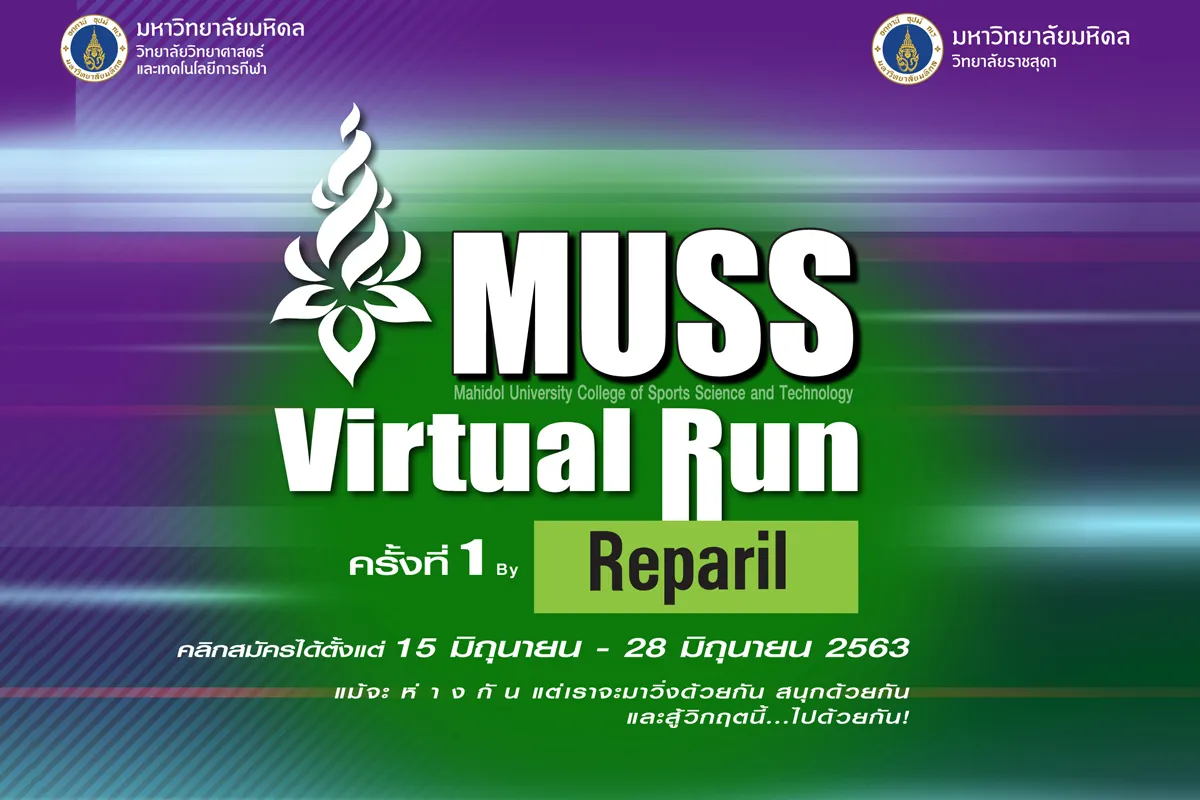
MUSS Virtual Run ครั้งที่ 1 By Reparil
Event date: Jun 28 - Jul 26, 2020
Location:Where to run, at any time, accumulate the distance, complete, submit the results for the prize
Views:
| >> คลิกที่นี่ << |
|---|
| เริ่มส่งผลได้ตั้งแต่วันที่ 28 มิถุนายน 2563 - วันที่ 26 กรกฎาคม 2563 |
Categories
Fun Run 5 KM.
฿399
Marathon 42 KM.
฿599
PROGRAM : A
PROGRAM : B
MEDAL
T-SHIRT
FINISHER : 42K
Contact information
Contact organizer (general info, request receipt, postal delivery issues, etc.)
- Facebook
Online registration (Runlah)
- Facebook Messenger(Mon-Fri 10:00 - 17:00)
E-BIB : 42KM.
E-BIB : 5KM.
E-CER : 42KM.
E-CER : 5KM.
Contact
Official Facebook : Reparil-Gel N
General Questions (Organizer)
- E-Mail : ssitpr.Mahidol@gmail.com
- Call : +66 (0)94 929 4774, +66 (0)2 441 4297 to 207, 208
Problem Registering (Runlah)
- Line@ : https://lin.ee/BTOwTuz
- Call : +66 (0)81 818 6155
(10:00 - 17:00 Mon - Fri)
⏱ Result Submission
Submission Requirements
- The runner must be successfully registered and received the confirmation.
- The runner needs to summit the running result during the periods provided.
- The runner must log in with your registered account.
How to submit the result
- Click the “Registration Status & History” (Top right corner of website) or Click here
- Click “View detail” and select the activity that you want to submit.
- Click “Submit activity result”.
- Fill out the form and submit the evidence of running results (Screenshot from the application).
- Recheck information. And then click “Submit Data”.
- The result will be verified.
The Race Pack will be posted to the runner after the challenge has been verified and completed.
ขั้นตอนที่ 1
ขั้นตอนที่ 2
Past editions
6 past editions since 2020