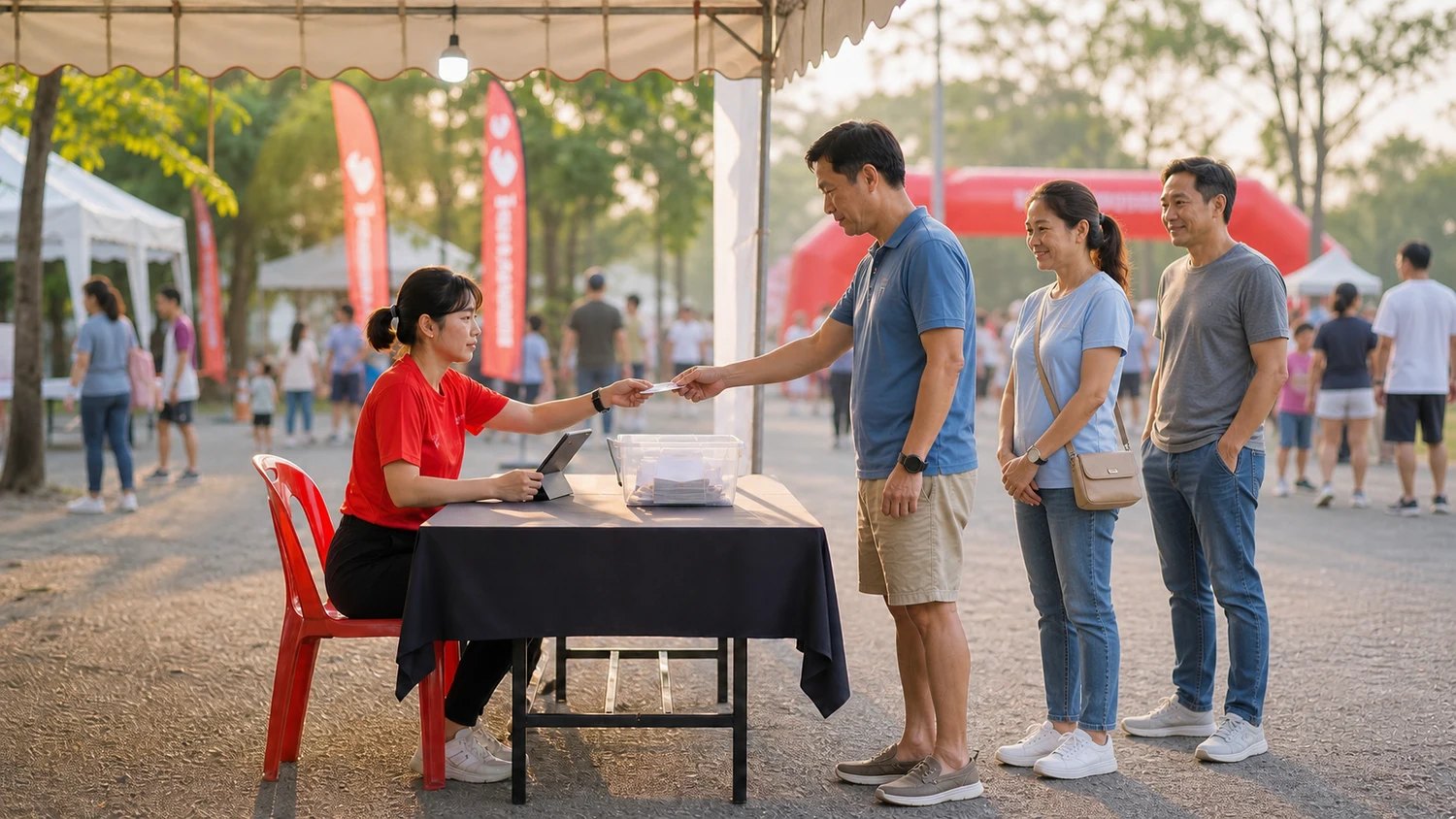
On-site registration
A race-day entry desk where the queue keeps moving
A race-day entry desk gets stuck on how fast the person behind it can type: a thirteen-digit ID number, Thai and English names, date of birth, all read off the card and typed character by character while the runner waits.
More expensive than the queue are the typos. One missing letter follows the runner onto the results page, the certificate and the result slip, and a birth year out by one moves them into the wrong age group. The correction work lands on you after the event, and more desks and people only help the queue.
When runners hand over an ID card or passport instead of having every field typed, the desk moves faster with the same staff, and the details match the document from the very first entry.
How organizers use it
A shorter queue without more desks or more staff
The slowest part of taking an entry on the day is typing the card out field by field. Replace that with a single photograph and the queue shortens immediately on the same desks with the same people. It is extra capacity at the entry point without extra wages or extra floor space.
Anyone who turns up can work the desk
The entry desk no longer has to be reserved for whoever types fastest. A volunteer who arrived that morning can run it, because the job changes from typing to photographing and checking — so you can staff the point more flexibly and brief people in less time.
No chasing results corrections after the event
A name misspelled at the desk shows up on the results page, the certificate and the result slip. Every wrong one is a correction request after the event plus a reissued document. Reading the name straight off the document removes the cause on the day.
No trophy handed to the wrong runner
Age groups are calculated from the date of birth, so one wrong year can move a runner into another group and put them on the podium in someone else’s place — the hardest mistake at a race to unwind, because it has already happened in front of an audience. A date read from the document cannot have its digits transposed.
Correct ID numbers for the insurance list
Events that insure their entrants have to send correct ID numbers to the insurer, and one wrong digit means a runner with no cover on race day — which nobody discovers until something happens. The system checks that a Thai ID number really is thirteen digits before it is accepted.
International runners do not stop the queue
Passport names are the hardest to copy and usually bring the whole line to a halt. Read from the document, the queue keeps moving, and the name on the results and the certificate matches the runner’s travel document rather than the desk staff’s best guess at the spelling.
No pile of ID photocopies to be responsible for
The image is used once to read the details and is not kept, so there is no stack of copies on the registration table and no archive of ID photos left in the system afterwards — a personal-data obligation that otherwise falls on the organizer as the party holding it.
Frequently asked questions
Do we need to buy anything?
No card reader and no app to install — any phone, tablet or laptop with a camera that the desk already uses will do. The one thing you have to arrange is internet at the desk, because the reading happens on the server. At venues with unreliable coverage, keep a backup SIM: if the connection drops, the desk falls back to typing.
Are the ID images kept?
They are not. The image is sent to be read and deleted immediately; the only thing stored is what appears in the form, which is the same set of details runners enter themselves online. Even the system logs contain no image, name or date of birth. There is no archive of ID photos for you to look after or delete later.
Does a staff member still have to check before saving?
Yes, and we would rather say so up front. Everything that is read appears in the form fields before saving, so staff still compare it against the document in their hand — but that is a few seconds of reading, and far harder to get wrong than typing it out. Fields that are not on the document — the distance entered, shirt size, phone number, emergency contact — are still filled in as usual.
Which documents can be used?
Thai national ID cards, Thai driving licences, passports from any country, and foreign residents’ ID cards. The province field is filled only from a Thai national ID card, as it is the only one of these with an address printed on it.
Will a Thai-only card also give us the English name?
No, and that is deliberate. The system reads only the characters actually printed on the document; it does not transliterate a Thai name into English, because one name can be spelled several ways and the result may not match the runner’s passport — which becomes a certificate correction later. The English name field is left blank so the runner can be asked directly. (Most Thai driving licences already carry the English name.)
Can it be used on people who entered online?
Not yet. The scan button appears only when adding a new runner on site. Existing entries are tied to payments and bib numbers, and overwriting the whole set from a single photo carries more risk than the time it would save, so those records are edited by typing as usual.
What if a runner does not want their document photographed?
Staff can type the details in as normal — nobody is required to be scanned. It does help for the crew to say clearly that the photo is only used to fill in the form and is not kept; a small sign on the desk removes most of the questions.
Related services
Race pack collection
A pack collection system refined across more than 200 live events. Runners can be through the desk in as little as 15 seconds, using fewer lanes, fewer staff and less space — and it keeps working when the venue’s internet drops.
Online registration
Our team reviews your details and configures the whole registration — distances, price tiers, caps, solo and team entries, event-specific questions — before you go on sale, and one set of entrant data carries all the way through to race day.